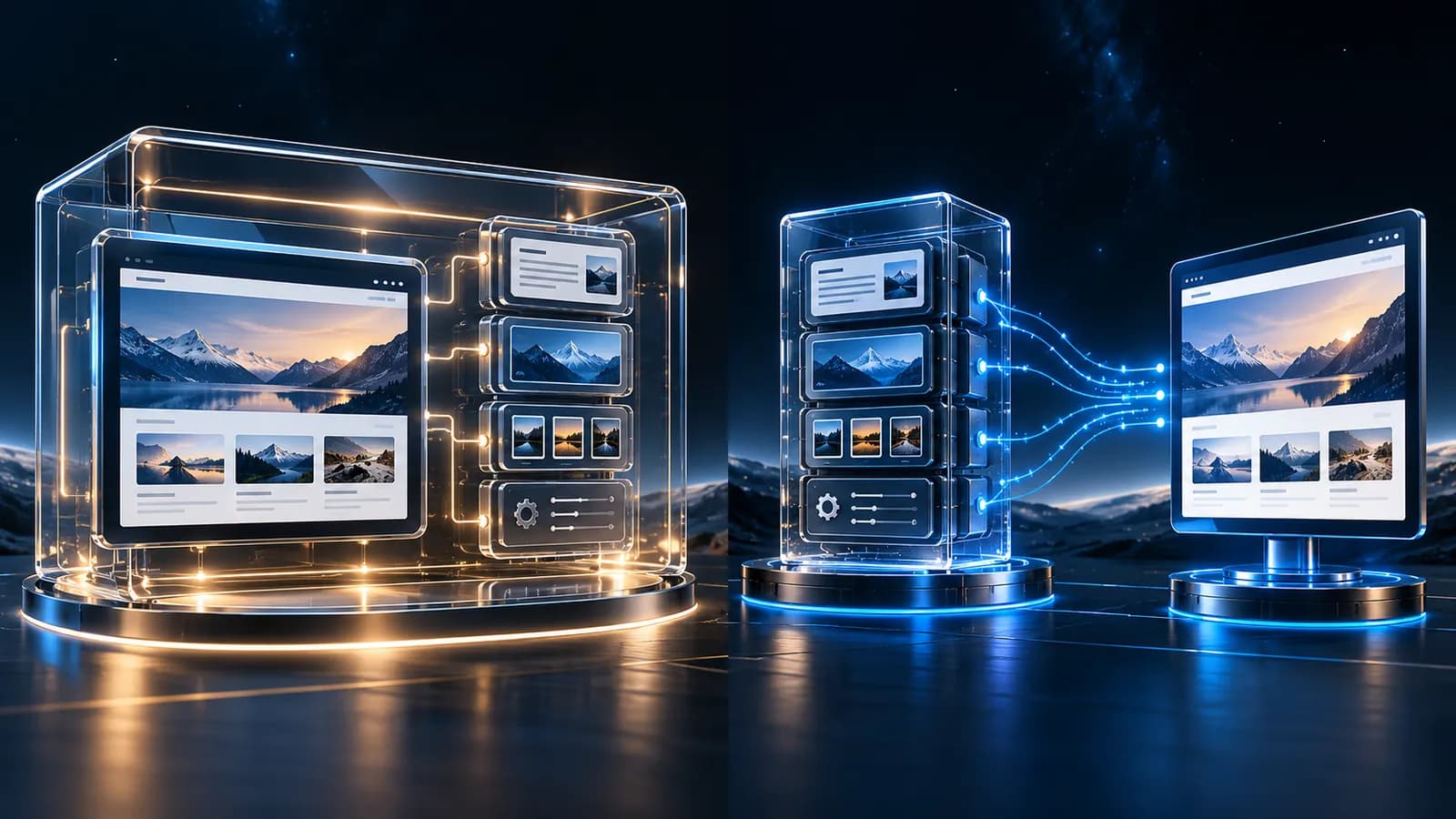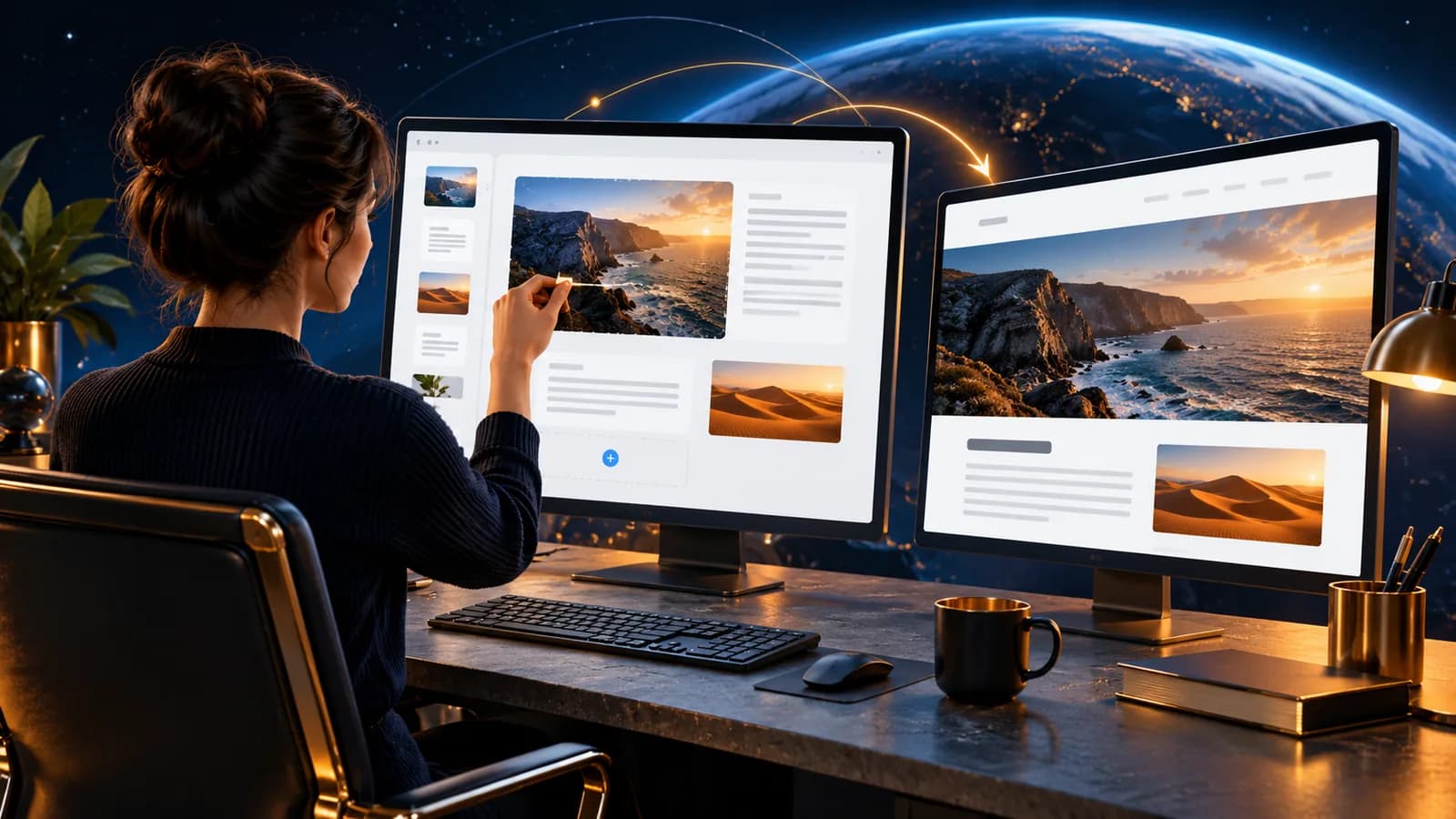
A headless CMS is a content management system whose content is decoupled from the design. Your text, images and product data live in their own database, while the front end, what you see in the browser, fetches them through an API (a technical channel that lets two systems exchange data). The front end can be built from any modern web technology.
Think of a restaurant. The kitchen is the content, and the pass is the door to the outside world. In a classic system, kitchen and pass sit right next to each other: everything is one unit. In a headless setup, the kitchen is its own room and the pass picks up the plates through a fixed handover point. The kitchen does not need to worry about plating and in principle you could run several passes serving the same menu.
How does a headless CMS work?
With a classic CMS, WordPress in its standard setup, for example, content and design are delivered from a single application. The CMS renders the finished page, and you get a styled result out of the box.
In a headless setup, the content is served purely as structured data through an API. The front end, say, a modern JavaScript website, loads that data and lays it out according to its own design. Nothing is rigidly coupled: the same content can feed a website, a mobile app or a display in a shop window.
One thing worth knowing: the decoupling is about architecture, not quality. A headless CMS is not a "better" CMS: it is a different way of building, with its own strengths and weaknesses.
What are the benefits of a headless CMS?
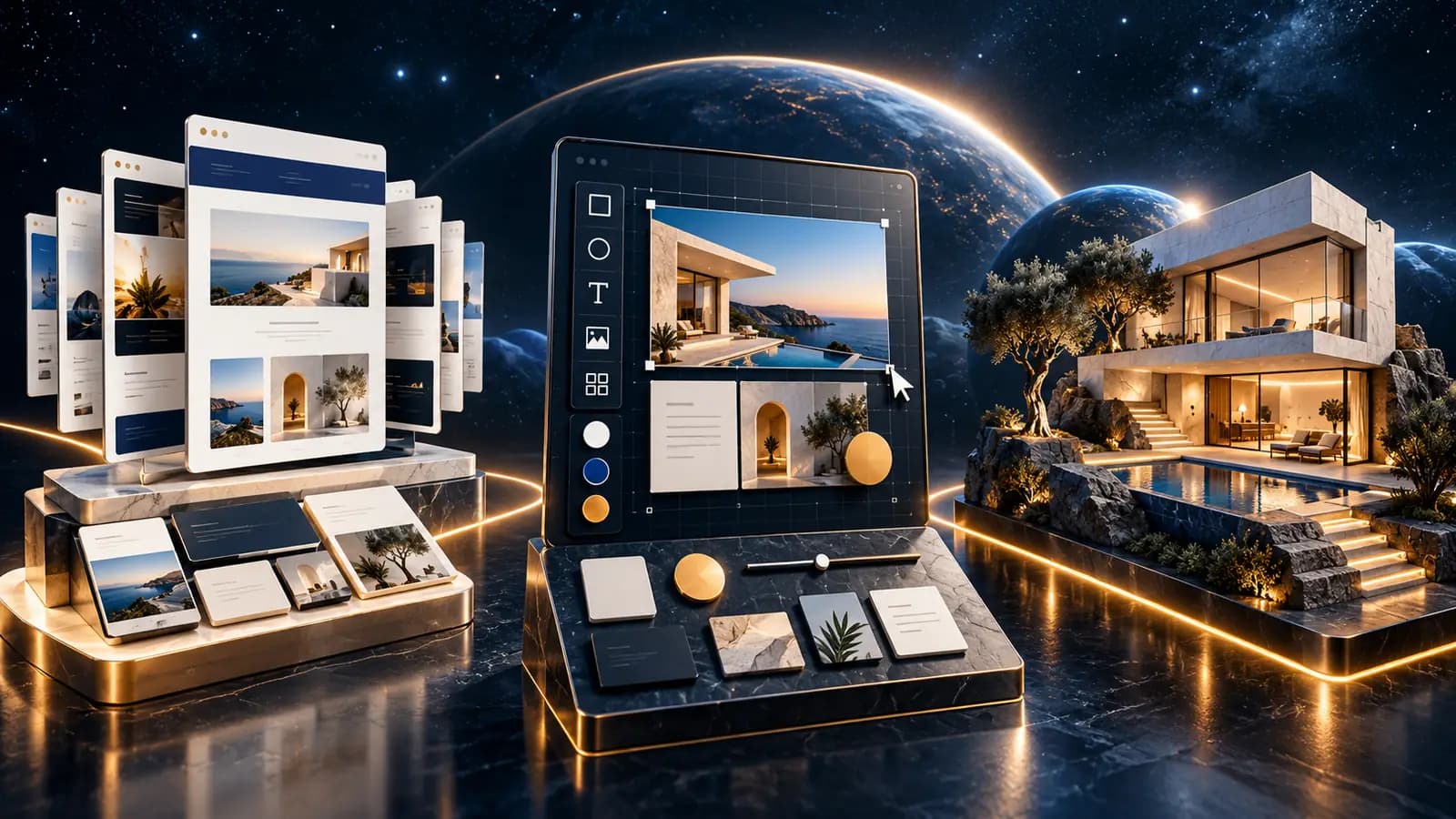
The biggest benefit is flexibility: because the front end is a free choice, you can implement any design without bending to the limits of the CMS. A few more reasons people decouple their content:
| Criterion | Classic CMS | Headless CMS |
|---|---|---|
| Load time | Depends on CMS rendering | Often noticeably faster (pre-built pages) |
| Security | Whole system exposed | Only the API is public |
| Design | Within the CMS framework | Complete freedom |
| Multiple channels | Extra modules required | One content source for web, app and more |
| Maintenance | One system | Two systems working together |
In practice, that often means faster websites, a smaller attack surface and a design that is not tied to a theme.
What are the downsides and limits?
Decoupling costs something too. A headless setup is more technically demanding, because two systems have to stay in sync. Maintaining the front end requires more specialist knowledge, and changes to content and design follow two different paths.
Costs tend to be higher as well: there is additional infrastructure to run, and the build usually takes longer than a classic CMS. For small websites with little content and a stable design, the extra effort can be hard to justify.
When is a headless CMS worth it?
A headless approach usually pays off when you meet one or more of the following:
- You need a very fast, modern design that goes beyond what themes and plugins offer
- You run several channels (website, app, displays) and want to manage content in one place
- You expect major development of the platform over the next few years
- Security is a core concern, because only the API should be public
- You have a team that can carry the technical complexity
If a classic system with a few customisations is enough, it is often the more economical choice. We work through exactly this trade-off, classic CMS, WordPress as a headless CMS, or a standalone front end, in our WordPress vs. headless CMS vs. Next.js comparison.
Conclusion: headless is an architecture decision, not a trend
A headless CMS separates content from presentation, which buys you more freedom, speed and security at the price of running two systems together. Whether it is worth it depends on your content, your channels and your technical plans.
If you are not sure which approach fits your project, talk it through with us: we will look at your content, your devices and your goals together and recommend the architecture that genuinely fits. It is one of the first decisions we make when we design digital platforms for our clients.