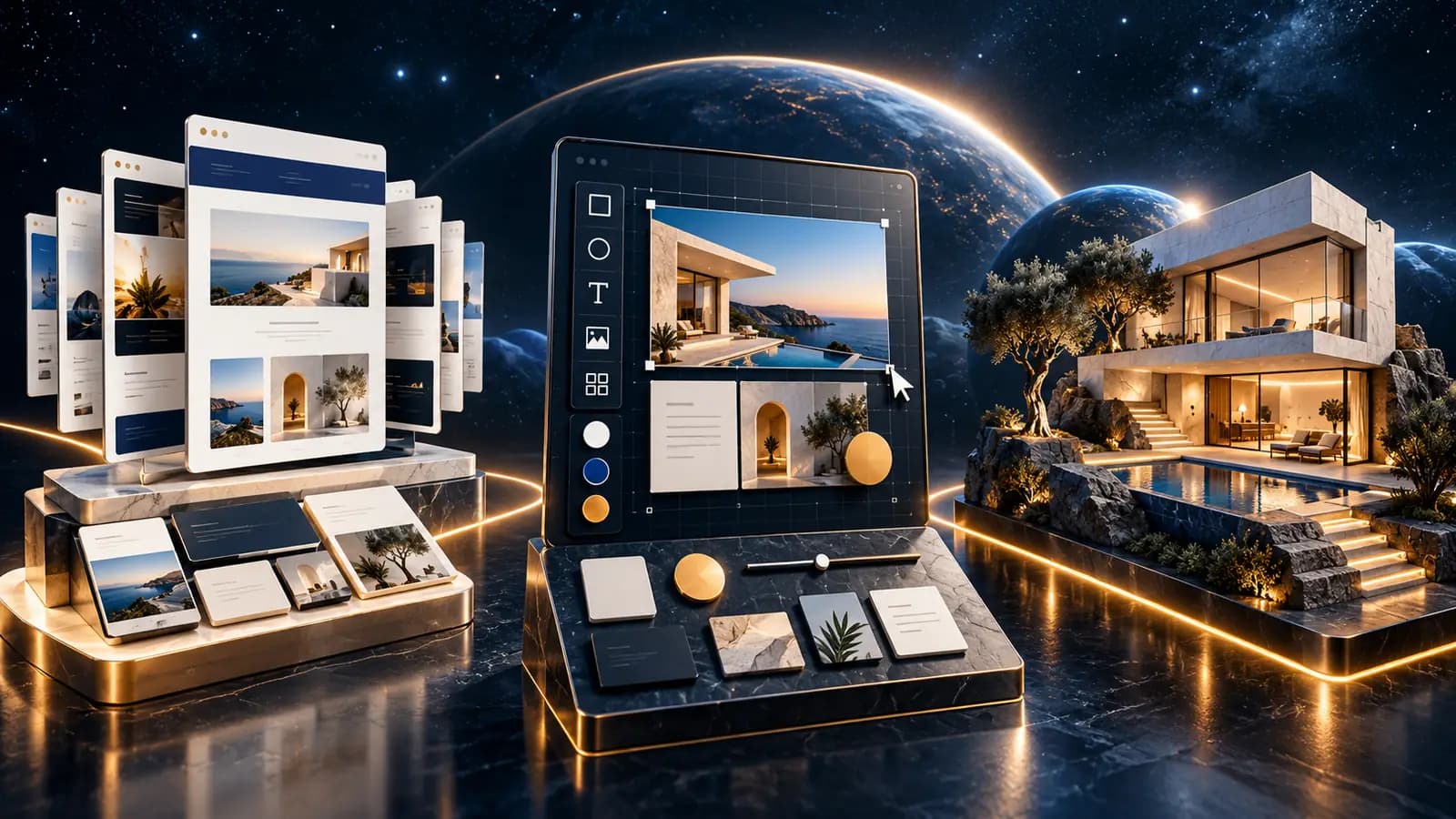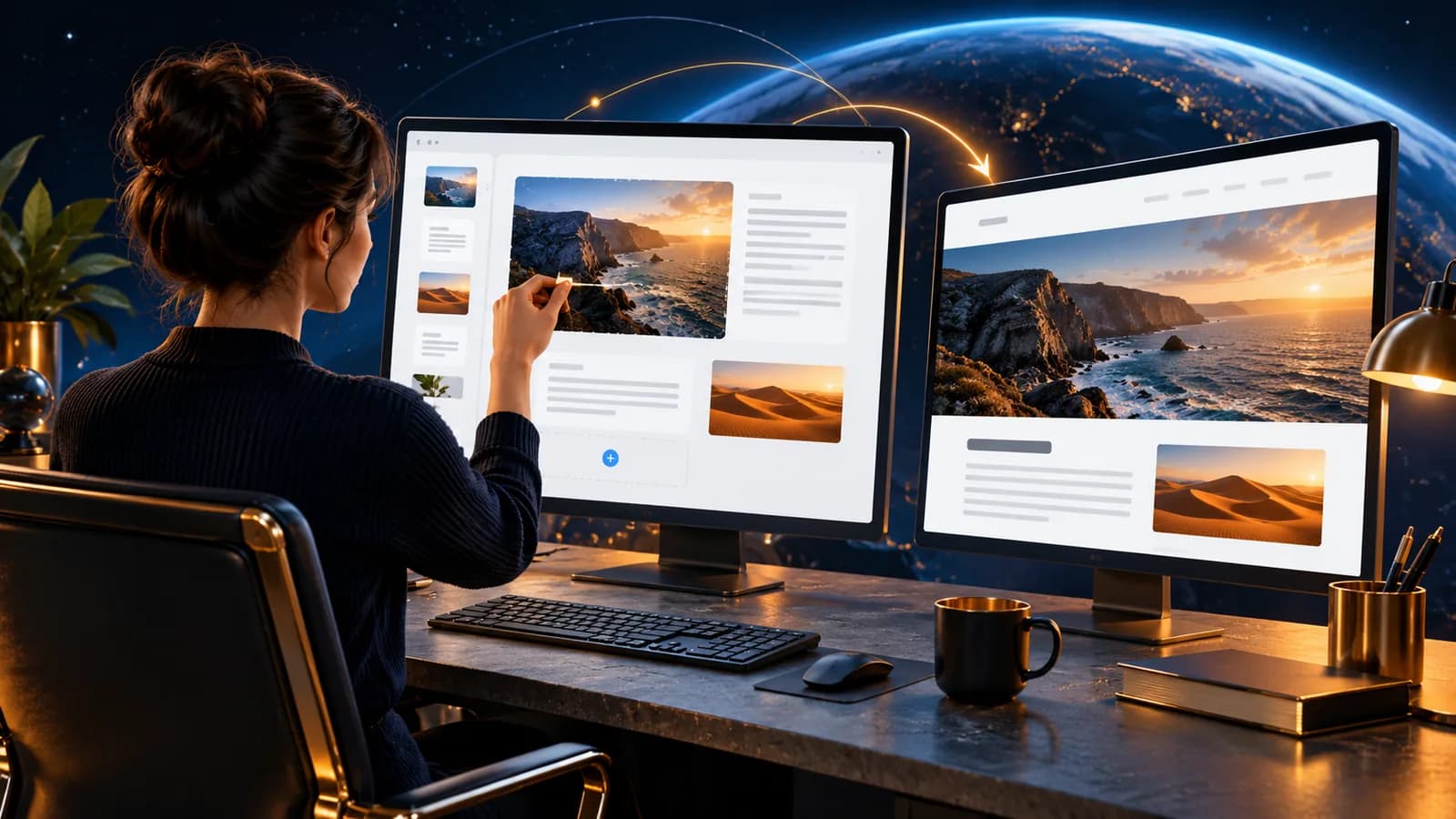
A CMS (content management system) is a piece of software that lets you edit your own website without writing any code. You log in, change a sentence, replace an image or create a new page and the change goes live, without a developer getting involved in between.
Think of your website as a display board in your shop window. Without a CMS, every new line of text means calling in a tradesperson to cut and hang a new panel. With a CMS, you print the new text yourself and swap it in, the frame stays the same, only what hangs in it changes.
In this article we explain how a CMS works, what separates classic systems like WordPress from headless CMS platforms, who actually needs one, and which mistakes happen most often.
How does a CMS work?
At its core, a CMS has two parts: an admin interface where you do your work, and a website that presents your content to visitors. In the interface you create pages, add content and manage media. Behind the scenes the system stores that content in a database and renders the visible website from it.
The key point: content and design are separated. You write the words; how the page looks is handled by templates, fixed blueprints with defined areas. So when you change a sentence, the layout stays intact. That separation is exactly why you can work without programming skills.
Classic CMS or headless: what is the difference?
A classic CMS like WordPress delivers content and presentation from one system: the CMS knows how a page is put together and outputs it as a finished webpage. That makes it easy to get started and cheap to run.
A headless CMS (headless = "without a head") decouples presentation from content: it only manages the content and hands it over via an API, a programmatic interface, to a website, an app or another system that picks up the content it needs. This is more flexible and often faster, but requires more effort to implement.
| Classic CMS (e.g. WordPress) | Headless CMS | |
|---|---|---|
| Content and design | From one system | Separate, connected via API |
| Getting started | Simple, many ready-made themes | More technical, custom implementation |
| Typical use | Company websites, blogs, shops | Multiple channels, high performance, complex projects |
| Maintenance | Via an admin interface | Also via an interface, more flexible implementation |
Which variant fits depends heavily on the project. You can find a more detailed comparison in our article WordPress as a headless CMS or Next.js.
Who needs a CMS?
A CMS makes sense as soon as you want to maintain content yourself without having to pay someone to do it every single time. In practice, that applies to most company websites:
- Regular updates: dates, prices, products and opening hours change without a CMS, every change becomes a small project.
- Blog or news: if you publish regularly, you want to do it quickly, not wait in a queue.
- Several people: if colleagues should also create content, you need a system with users and roles.
You can do without a CMS entirely if your site has little content and rarely changes for example, a pure landing page for a single campaign. A static website is often enough there. For an overview of our website and platform services, see Digital Platforms.
Typical CMS mistakes
Most problems are not caused by the tool, but by the first few decisions:
- Too much, too soon: a large number of plugins and themes slows the site down and increases the maintenance effort.
- No maintenance owner: nobody knows who updates texts and images, the CMS becomes an expensive static site.
- Design over content: the site looks great, but the content is hard to find or out of date.
- Missing permissions and workflows: everyone can change everything, nothing gets reviewed, nothing gets documented.
- No thought given to security and updates: neglected CMS installations and outdated plugins are common entry points.
Conclusion
A CMS is not a luxury, but the way to keep your website in your own hands: change content, create pages, manage media without programming skills and without receiving an invoice for every change. Whether a classic system like WordPress or a headless approach is the right call depends on how flexible and how extensive your website needs to be.
Not sure which option fits your project? Talk to us: we will look together at whether a CMS makes sense for you and which variant fits.