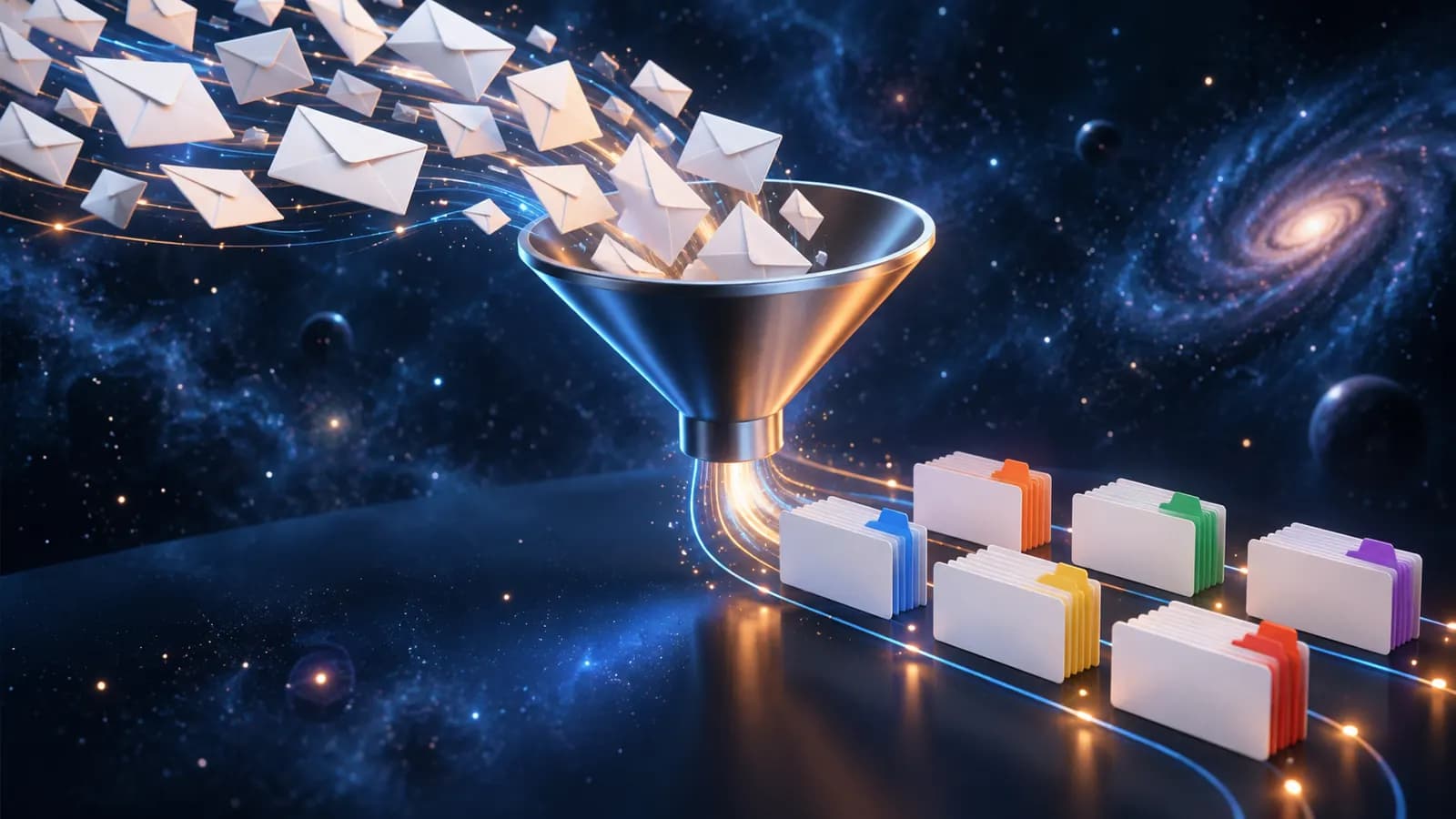
Automating customer enquiries means software classifies each incoming email, answers standard questions directly, forwards complex enquiries to the right person and logs everything in the CRM. Your team only handles the cases that need a human.
What does "automating customer enquiries" mean in practice?
It is not a single app but a chain of steps that currently run by hand: receive, classify, reply, forward, log. Each step can be handed to software. Unlike a chatbot, this system works with incoming emails waiting for a reply. That is where inbox chaos arises.
Example (assumed figures): A trades business receives 40 enquiries a week: 18 standard questions (prices, collection, appointments), 12 quote requests and 10 one-off cases. The aim is to take the 18 standard questions out of the inbox and pass on the other 22 in an orderly way.
How does the software classify an enquiry?
Classification recognises the purpose, for example price enquiry, appointment or complaint, and assigns the email a category. AI models read the text for this; simpler systems use keywords and sender lists. The category decides the next step: reply directly, forward to a person or present for approval. Without classification, any automation is a matter of chance.
Which enquiries may the system answer itself?
The clearer and more predictable the answer, the safer the automation. Opening hours or prices suit it well; quotes and complaints belong with a person. You set the boundary and can move it at any time. At first the AI only produces drafts that a person checks. Once they have been clean for several weeks, more replies can go out directly. The principle is called human in the loop: the machine prepares, the human stays responsible.
How does routing work?
Routing sends the enquiry to the right person or channel by category, urgency or availability. A complaint goes to the person who knows the subject, an urgent appointment request straight into the calendar. For this you need a small table with category, recipient, priority and response deadline.
| Step | What the software does | What the person does |
|---|---|---|
| Classify | Recognise purpose, assign category | checks the assignment in a test run |
| Standard reply | Ready-made answer for simple questions | defines the approved categories |
| Routing | To a person, team or calendar | maintains the assignment table |
| CRM log | Store enquiry, reply, history | sees the history and follows up |
| Approval | Prepare a draft | checks and sends binding replies |
How does every enquiry end up in the CRM?
The often underestimated part is the log. Every enquiry, reply and forwarding step is stored in the CRM with sender, category, timestamp and history. No contact gets lost, and everything stays traceable. Without a log, the machine replies but nobody can see what happened.
Where does the human come in at approval?
For every enquiry that may not be answered automatically, the system prepares a draft with category, summary and suggested reply. The responsible person checks it, corrects if needed and sends it. This phase must not become a second workload. If the drafts are poor, the team spends hours correcting them. So start with two or three narrowly defined categories rather than twenty.
Checklist: is your process suitable?
- At least a third of weekly enquiries are recurring standard questions
- You can name clear categories (price, appointment, complaint and so on)
- A person or team is clearly responsible for enquiries
- A CRM or a central inbox exists
- Someone checks the drafts and has time set aside for it
If four or more points are met, automation usually pays off. With fewer, better sorting in the inbox comes first.
Conclusion: from inbox chaos to a clear queue
Automating customer enquiries is not a technology project but a sorting project with software. The machine takes over classifying, standard replies, routing and logging, and your team takes the cases that need a human. We are happy to test whether it pays off at your volume using a few real examples: talk to us. More on the approach is under AI automation. For a first overview, see AI for small businesses.